What They Don’t Tell You About Self-Publishing: Mastering KDP and Draft2Digital
Anybody who tells you that self-publishing is easy is lying to you! There are approximately eleven billion articles on the internet explaining how to self-publish a book. Upload your manuscript. Add your cover. Write your description. Pick some keywords. Choose a price. Hit publish.
Easy.
Except somewhere between “upload your manuscript” and “hit publish,” you will find yourself staring suspiciously at a checkbox wondering whether clicking it will sell your book, destroy your book, enroll your book in something for the next 90 days, or possibly summon a minor demon.
Welcome to self-publishing.
I’ve written before about the actual steps to self-publishing your book. That guide walks through the process from manuscript to marketing. This is not that guide.
This is the stuff they don’t tell you.
KDP and Draft2Digital Are Not Really an Either/Or Decision
One of the first things that confused me when I started publishing was the number of platforms. Amazon KDP.  Draft2Digital. IngramSpark. Kobo. Barnes & Noble. Apple Books. Do I need all of them? Do I upload separately to all of them? If I use one, can I still use another? The answer is simultaneously simpler and more complicated than it looks.
For many independent authors, a very workable setup is:
Amazon KDP → Amazon
Draft2Digital → everybody else
KDP gives you direct control over your Amazon listing, while Draft2Digital acts as an aggregator that can send your ebook to multiple retailers and library channels without requiring you to maintain accounts and uploads at every individual store.
You choose which Draft2Digital distribution channels you want to use, so you don’t necessarily have to send your book everywhere they offer. That makes the two platforms complementary rather than competitors.
One Important Exception: KDP Select
KDP and KDP Select are not the same thing. Publishing your ebook through KDP does not automatically mean Amazon gets exclusive rights to sell it. KDP Select is Amazon’s optional 90-day program tied to Kindle Unlimited that requires digital exclusivity during the enrollment period. If you enroll, you cannot distribute that ebook through competing retail channels at the same time.
So if your plan is to sell your ebook widely through Draft2Digital, pay very close attention before clicking that KDP Select enrollment box.
Draft2Digital Is Basically the “Please Don’t Make Me Upload This Twelve Times” Option
This is where Draft2Digital shines. Instead of creating and maintaining separate uploads at multiple ebook retailers, you can manage wide distribution from one dashboard. You can choose the stores and library services where you  want your book distributed rather than maintaining an account at every single outlet.
That doesn’t mean your book magically appears on the front table at Barnes & Noble. It means the book becomes available through those distribution systems. Those are very different things. And that’s one of those little distinctions that makes perfect sense after someone explains it.
If you’re ready to try Draft2Digital, you can create your Draft2Digital account using my referral link here.
Disclosure: This is a referral link, which means I may receive a benefit if you sign up through it. It does not increase your cost.
Your Ebook and Paperback Are Different Creatures
This sounds obvious. It isn’t. An EPUB and a print-ready PDF behave differently because they’re supposed to. An ebook needs to reflow. Readers can change font size, screen size and device orientation. A paperback cannot  suddenly decide it would prefer to be 37 pages longer because somebody increased the font size. Print requires fixed margins, trim size, bleed, gutters and page positioning.
And then there is the cover. Your ebook needs a front cover. Your paperback needs a full wrap: back cover + spine + front cover. The exact dimensions depend on things like trim size, page count and paper choice. Which means that changing something inside your manuscript can change your page count. Which can change your spine width. Which can change your cover dimensions. Which can make you reconsider every decision you’ve made since approximately kindergarten.
The Previewer Is Not Optional
Technically, yes, you can probably click through without obsessively examining every page.
Don’t.
Use the previewer.
- Check chapter openings.
- Check page breaks.
- Check margins.
- Check headers and footers.
- Check page numbers.
- Check blank pages.
- Check images.
- Check scene breaks.
- Check front matter.
- Check back matter.
- Check your cover placement.
And don’t just look for enormous disasters. Look for the tiny things. So many itty bitty, teeny tiny, THINGS!
Publishing platforms have specifications about margins, bleed, trim areas and where text can safely appear. A cover that looks perfectly fine sitting on your computer can still trigger a file warning during review. That doesn’t necessarily mean your cover is terrible. It means printing machines have opinions. Apparently very strong ones. Ask me how I know!
Sometimes You Will Click the Wrong Damn Button
Here’s something the official publishing guides probably won’t tell you. Sometimes you are not trying to publish anything. Sometimes you’re simply clicking through KDP because you’re looking for the previewer. And sometimes  you click a button because you think it will take you to the next screen—and instead you accidentally resubmit your book for review.
Ask me how I know.
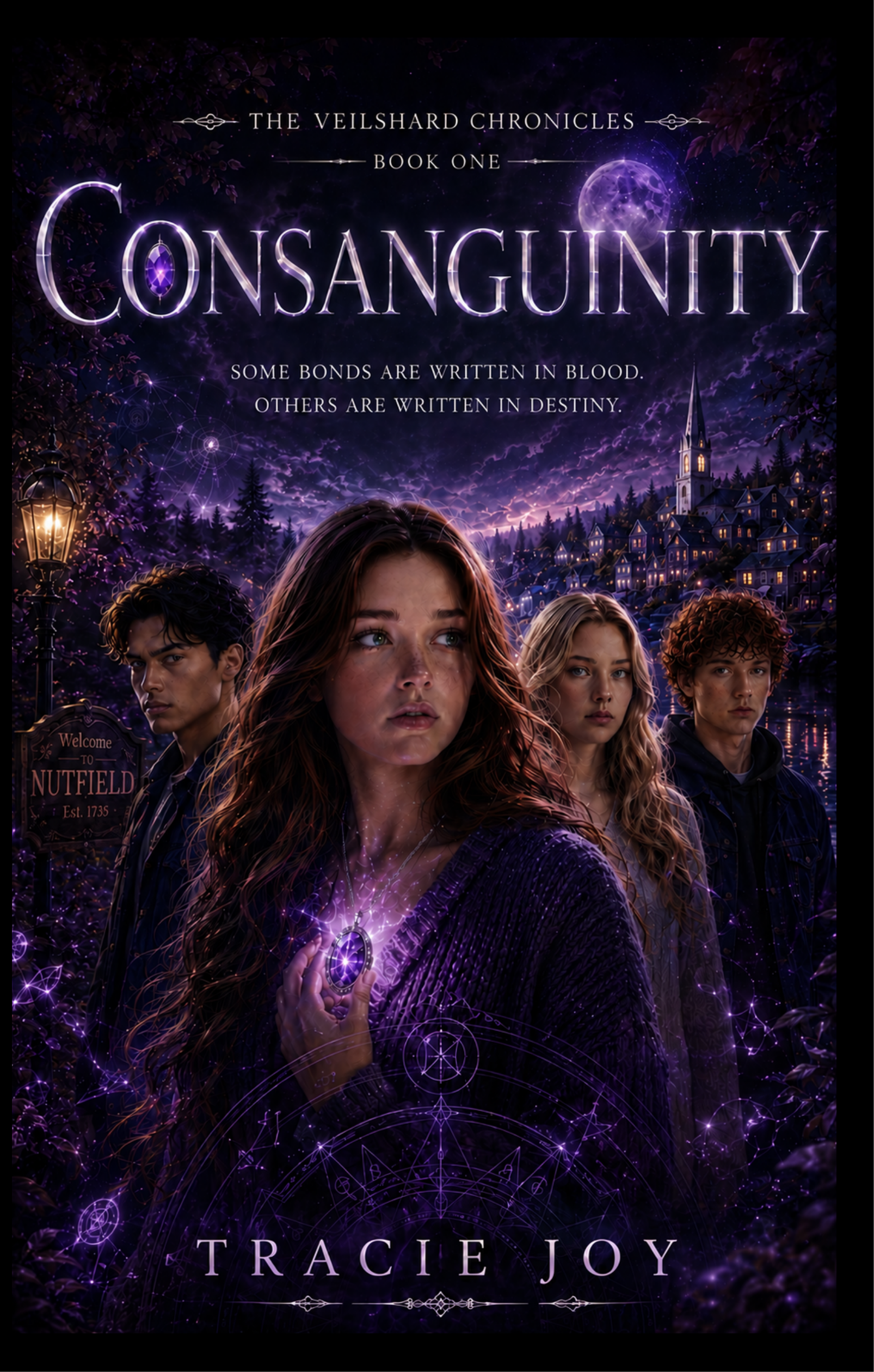
My paperback cover had already been flagged because some of the text was too close to the edge. I knew what needed to be fixed. I had not fixed it yet. I was just trying to get into the previewer. Click. Submitted for review. The exact same broken cover. The one Amazon had just told me to fix. Guess what I needed to fix. The title. The font is too large and the Y got lopped off. Small issue – and I caused myself BIG PROBLEMS!
So there I sat, watching KDP review a file I already knew wasn’t going to pass, unable to reach through my monitor and yell, WAIT! I DIDN’T MEAN IT! GIVE IT BACK!
There is no giant UNDO MY STUPIDITY button. There should be. And this is perhaps one of the most useful things I can tell you about mastering self-publishing platforms:
Slow down when you’re clicking through the final publishing screens. Read the buttons. Then read them again. Especially when you’re tired, you’ve been working on your book for hours, and you’re absolutely certain you know what the next button does, or have just gotten up and not consumed anything vaguely resembling your caffeinated beverage of choice.
Because sometimes that button doesn’t mean continue. Sometimes that button means:
Congratulations! Amazon is reviewing your broken cover again.
ISBNs Are More Complicated Than “Do I Need One?”
Technically, you don’t need to purchase your own ISBN to publish a Kindle ebook. Print is where the question becomes more interesting. Publishing services may provide ISBNs, but those ISBNs can come with restrictions about where and how they are used. Buying your own ISBN gives you greater control over the publishing identity attached to your book and lets you use your own imprint consistently. Neither approach is automatically right or wrong. The important part is deciding before you’ve uploaded your paperback to three different places and created an ISBN-related migraine. I got my ISBS’s at Bowker. Registering is easy, but again you’ll get hit with questions. Lots and Lots of questions.
Metadata Deserves More Attention Than It Gets
You’ve written the book. You’ve edited the book. You’ve formatted the book. You have survived the cover!. Congratulations! Now please describe your entire book in a tiny box.
Metadata includes things like your:
- title and subtitle
- series information
- author name
- book description
- categories
- keywords
- audience
- pricing
It may feel like administrative nonsense compared with actually writing a novel. It isn’t. Metadata helps retailers understand what your book is and helps the right readers find it. Spend some time on it. Fair warning, it can be tedious, but it is necessary.
“Published” Does Not Mean “Everywhere Immediately”
Another fun surprise. You click publish, and then…nothing, or maybe something. Your book might appear somewhere quickly. Another retailer might take several days. Print distribution may take longer still. So don’t build a launch strategy around the assumption that pressing Publish at 8:00 Tuesday morning means every version of your book will be available everywhere by lunchtime. Self-publishing contains a surprising amount of waiting. And refreshing. So much refreshing.
You Can Fix Things
This one deserves its own section because publishing makes everything feel terrifyingly permanent. You discover a  typo after publication? You can upload a corrected manuscript. Want to change your description? You can. Need to adjust keywords? You can. Want a different price? Usually, yes.
Publishing your book doesn’t encase it in literary amber.
There are things you shouldn’t change casually—ISBN-related information and certain bibliographic details deserve particular care—but many elements of your listing and files can be updated. Which is fortunate because the fastest known method of discovering a typo is publishing 55,000 words and then opening the book.
Wide Distribution Is About Availability, Not Guaranteed Sales
This may be the biggest reality check. Draft2Digital can make your ebook available through multiple retailers and library systems. That doesn’t mean readers will automatically discover it.
Distribution solves:
Where can someone buy my book?
Marketing solves:
Why would someone know my book exists?
Those are completely different problems. Going wide gives readers more places to find and buy your work. You still have to give them a reason to look.
Keep Your Publishing Files Organized
This is not exciting advice. It may also save your sanity.
Keep copies of:
- your final manuscript
- print PDF
- EPUB
- ebook cover
- full paperback cover
- original cover files
- ISBN information
- book description
- keywords
- categories
- pricing
- retailer information
And please use filenames that mean something.
FINAL-FINAL-BOOK-REALLY-FINAL-USE-THIS-ONE-v7.epub feels perfectly reasonable at 1:00 in the morning.
Three months later, Future You will have questions.
Make Yourself a Checklist
There are simply too many moving pieces to keep all of this in your head.
- Editing.
- Formatting.
- ISBNs.
- Covers.
- Metadata.
- Pricing.
- Distribution.
- Proofs.
- Launch.
- Reviews.
- Marketing.
I made a printable Self-Publishing Checklist that walks through the process so you don’t have to rely on your brain remembering every checkbox while you’re trying to launch a book. Because your brain has already written an entire book. It has done enough.
The Part They Really Don’t Tell You
Self-publishing gives you an extraordinary amount of control. That’s the wonderful part. It’s also the terrifying part. You are the author. You are also the publisher, production manager, metadata department, marketing team, quality control department and the person repeatedly asking Google questions that begin with:
“What happens if I accidentally…”
There is a learning curve. Your first upload will take forever. You’ll second-guess things. You’ll probably upload something twice. Or, apparently, submit the exact same broken cover twice. You may discover that one innocent-looking button does considerably more than you thought it did.
But eventually, the dashboards stop looking like airplane cockpits. KDP becomes familiar. Draft2Digital becomes familiar. ISBNs stop looking like ancient runes. And one day you realize that you actually know what you’re doing.
Mostly.
This is publishing, after all.
There’s always another checkbox.
Ready to Self-Publish Your Book?
If you’re still at the beginning of the process, start with my complete guide to self-publishing your book.
You can also download my free Self-Publishing Checklist to keep track of everything from editing and formatting to ISBNs, distribution and launch.
And if you’re planning to distribute your ebook beyond Amazon, you can check out Draft2Digital using my referral link.